How can we design for empty states on the Specimen Center?
AminoChain Empty States
AminoChain streamlines biosample procurement, safeguards data, and accelerates ethical breakthroughs in healthcare. Our primary application, the Specimen Center, serves as an e-marketplace for biosamples, hosting over 400,000 specimens from reputable biobanks worldwide. Through the Specimen Center, researchers can send inquiries to biobanks to procure the samples they need for research.
I designed empty states for the Specimen Center.
Problem
Timeline
April - May ‘25
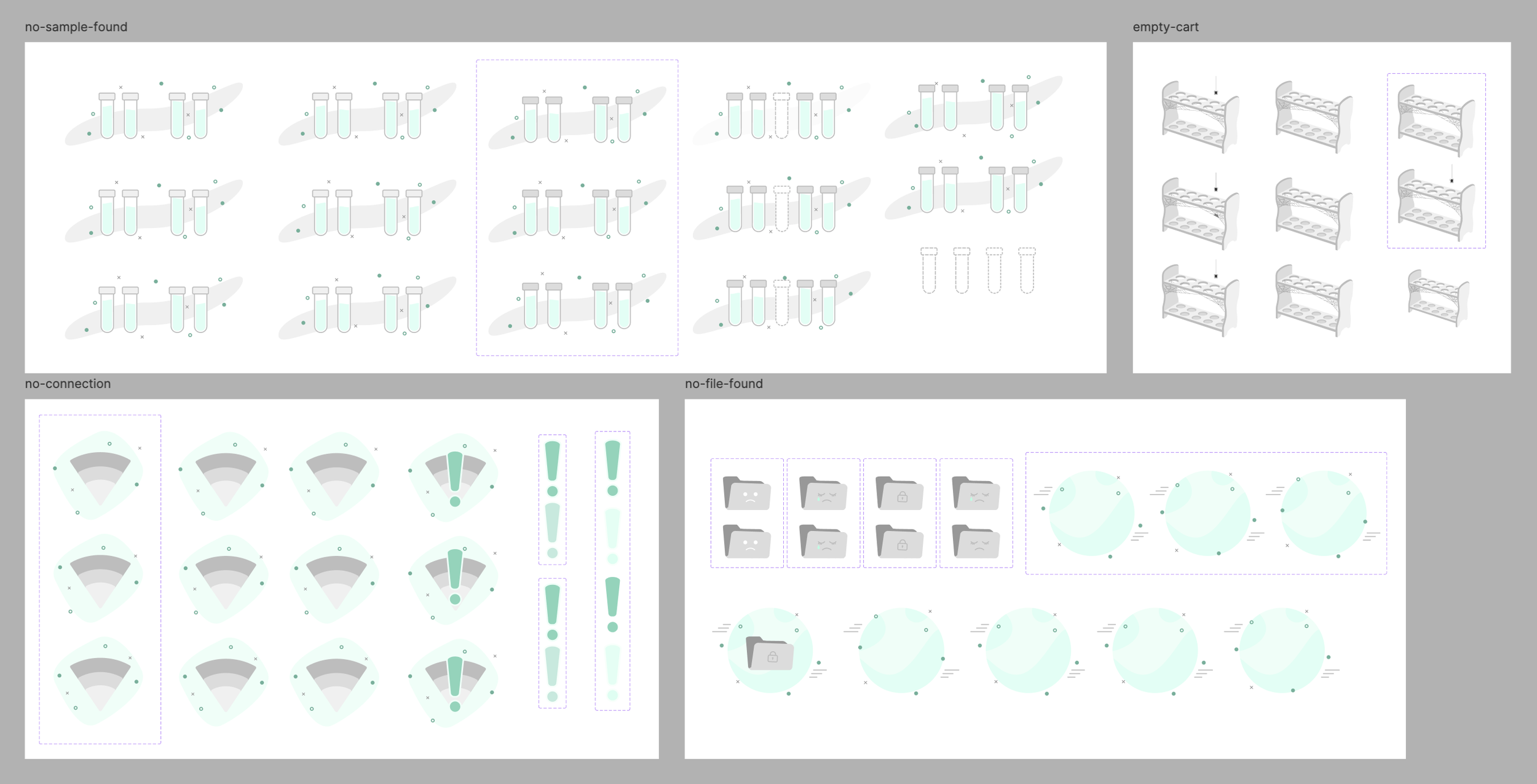
I designed animations and CTAs for empty states and defined multiple use cases for each. I worked with the engineering team to determine which states were feasible, then shipped those that were. Out of 7 empty states, 2 were shipped— the empty cart and loading states.
Role
Product Design
Outcome
Problem #1 Users aren’t incentivized to add samples to their cart on the SC
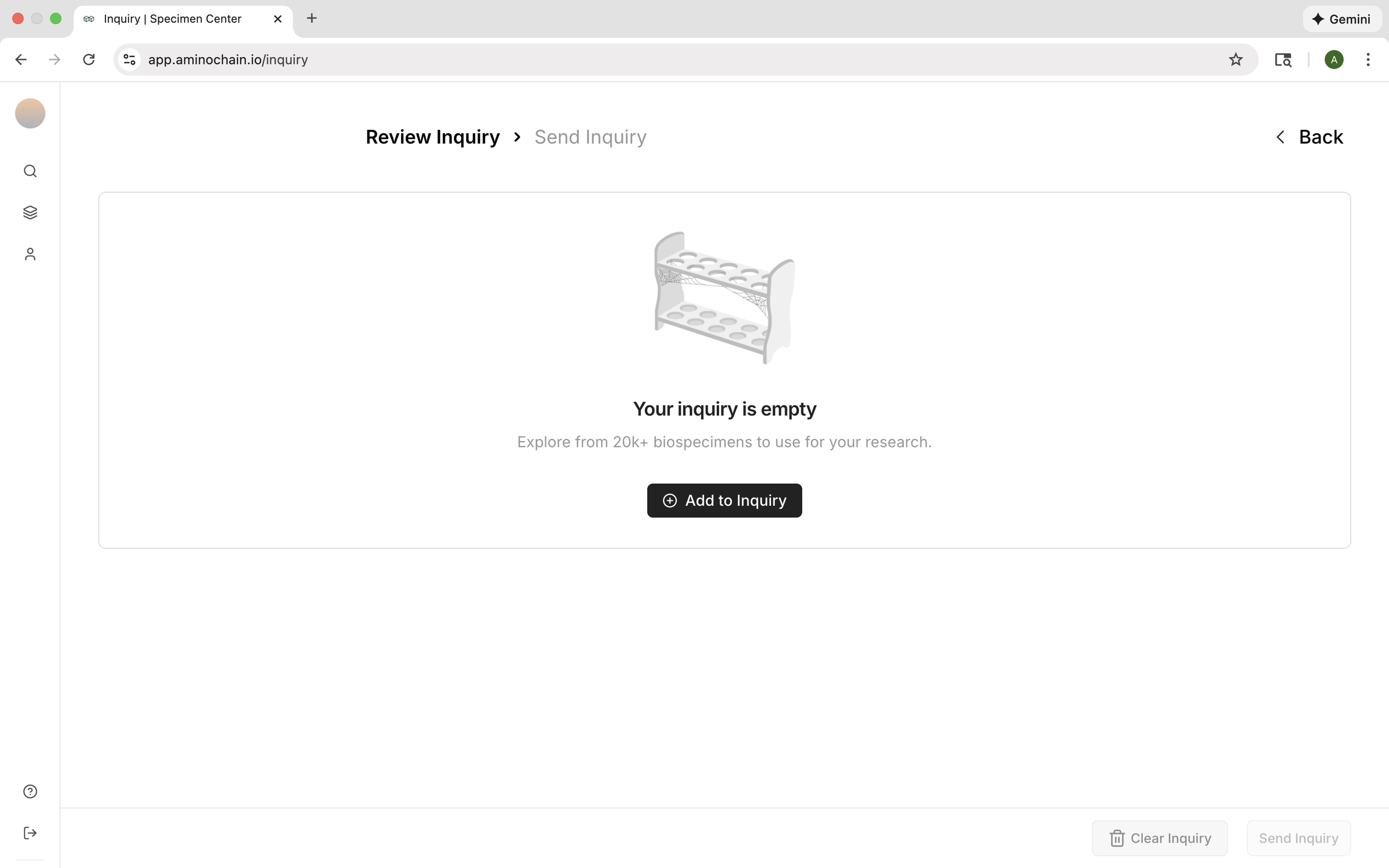
Standard UX practices involve designing empty cart states with actionable CTAs to motivate users to browse products and add items to their cart. What currently exists as the empty cart state on the inquiries page of the Specimen Center is a blank space. Users are thus less likely to add samples to their cart unless an empty state is designed for it.
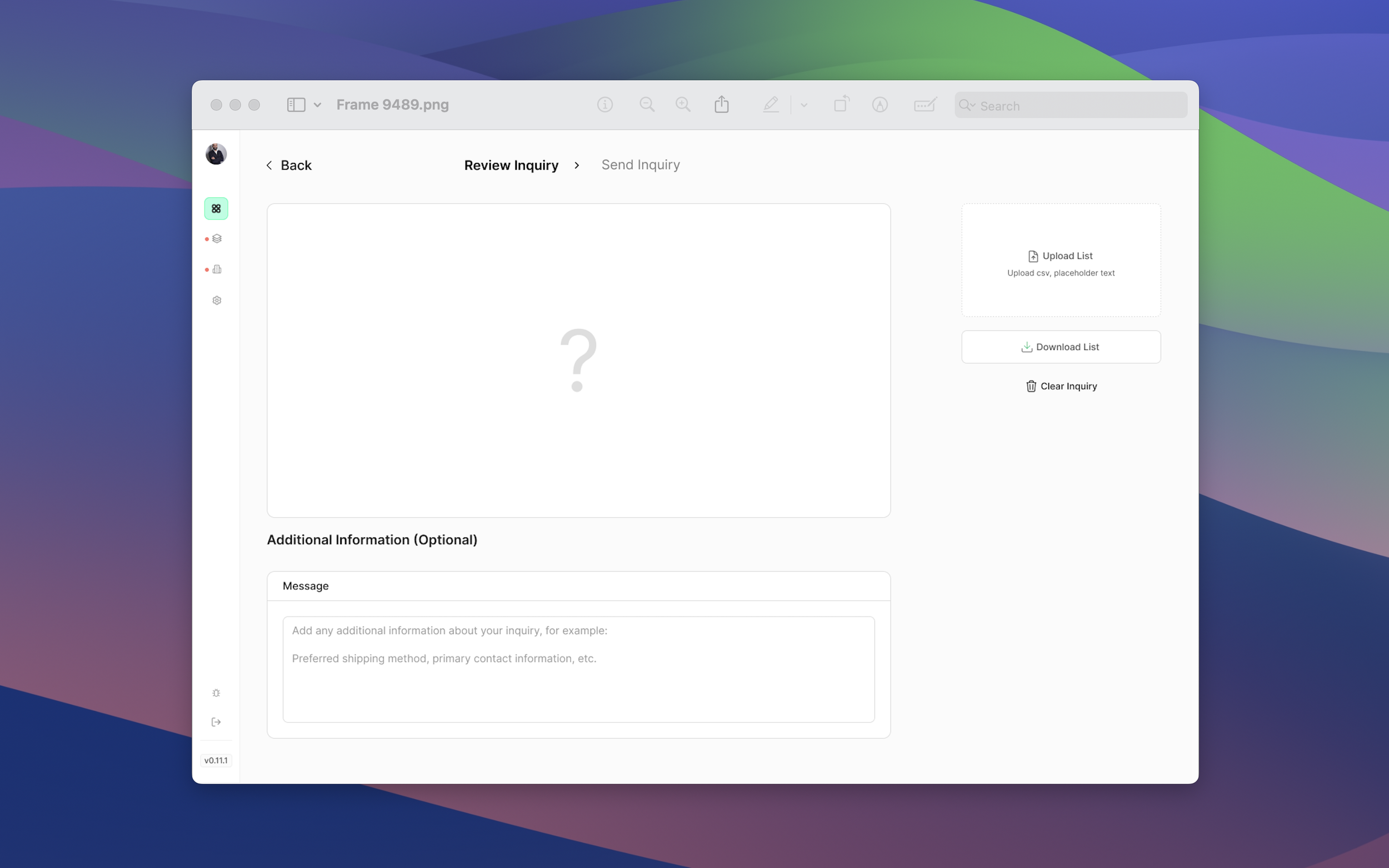
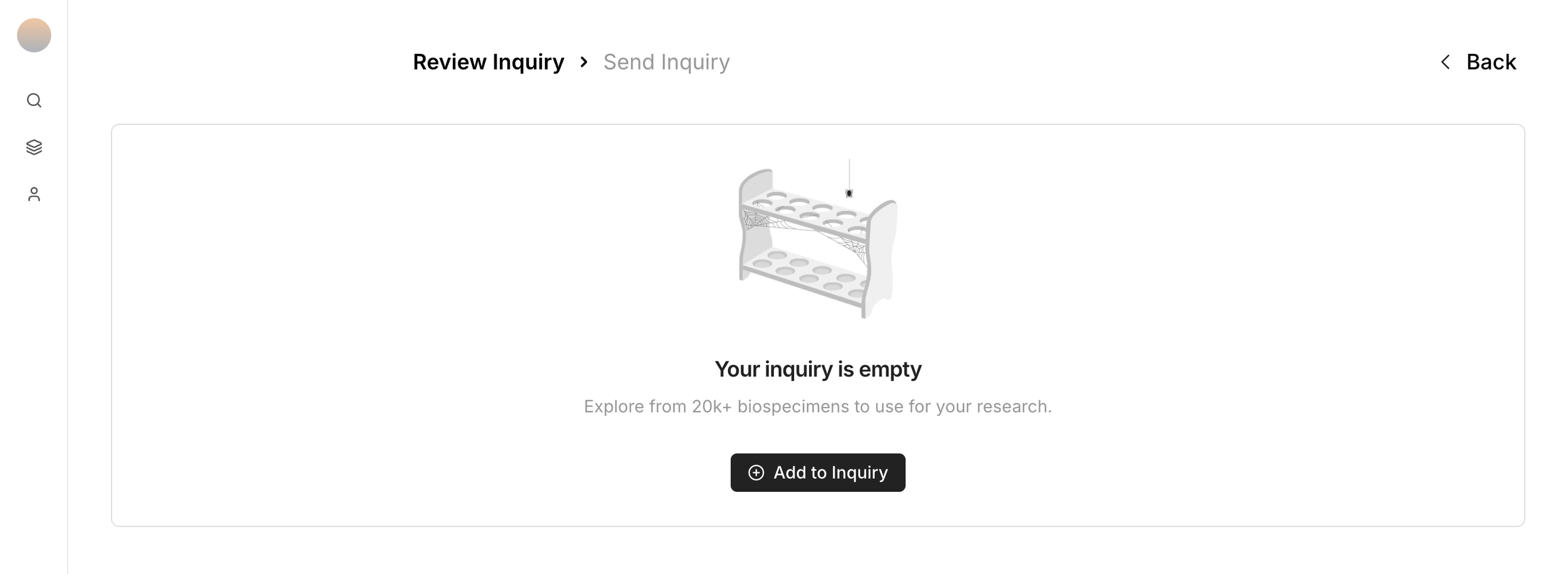
State #1 an empty cart state
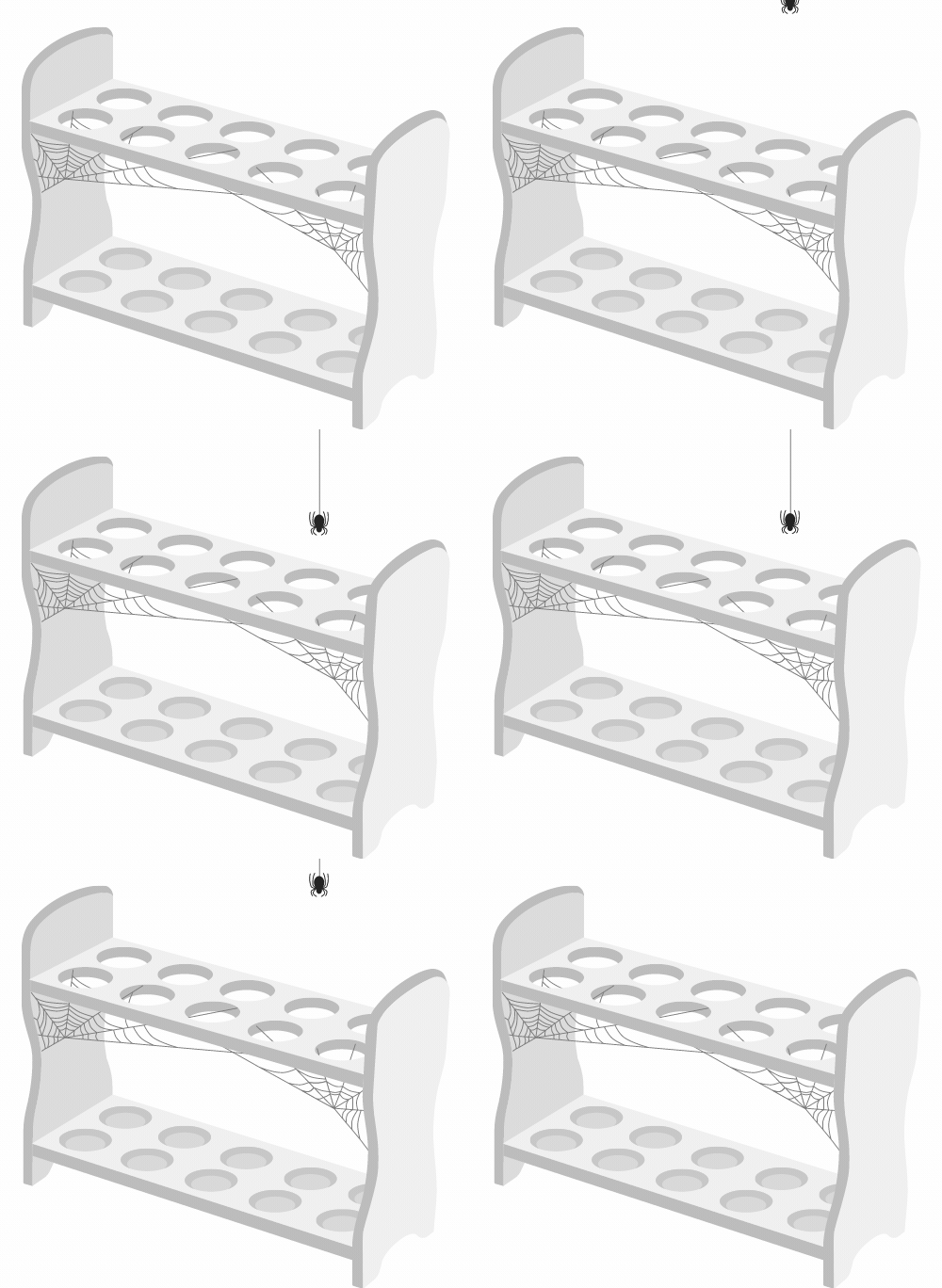
I created an empty test tube rack animation that accompanies an “Add to Inquiry” call-to-action that, when clicked, guides users back to the Specimen Center table. See it here.
Problem #2 Users don’t know when the Specimen Center is processing a search request
Standard UX practices involve designing loading states that display useful information to indicate when content is being loaded, prevent user frustration, and maintain engagement during wait times. When a user searches for a sample on the SC, they don’t see a loading state.

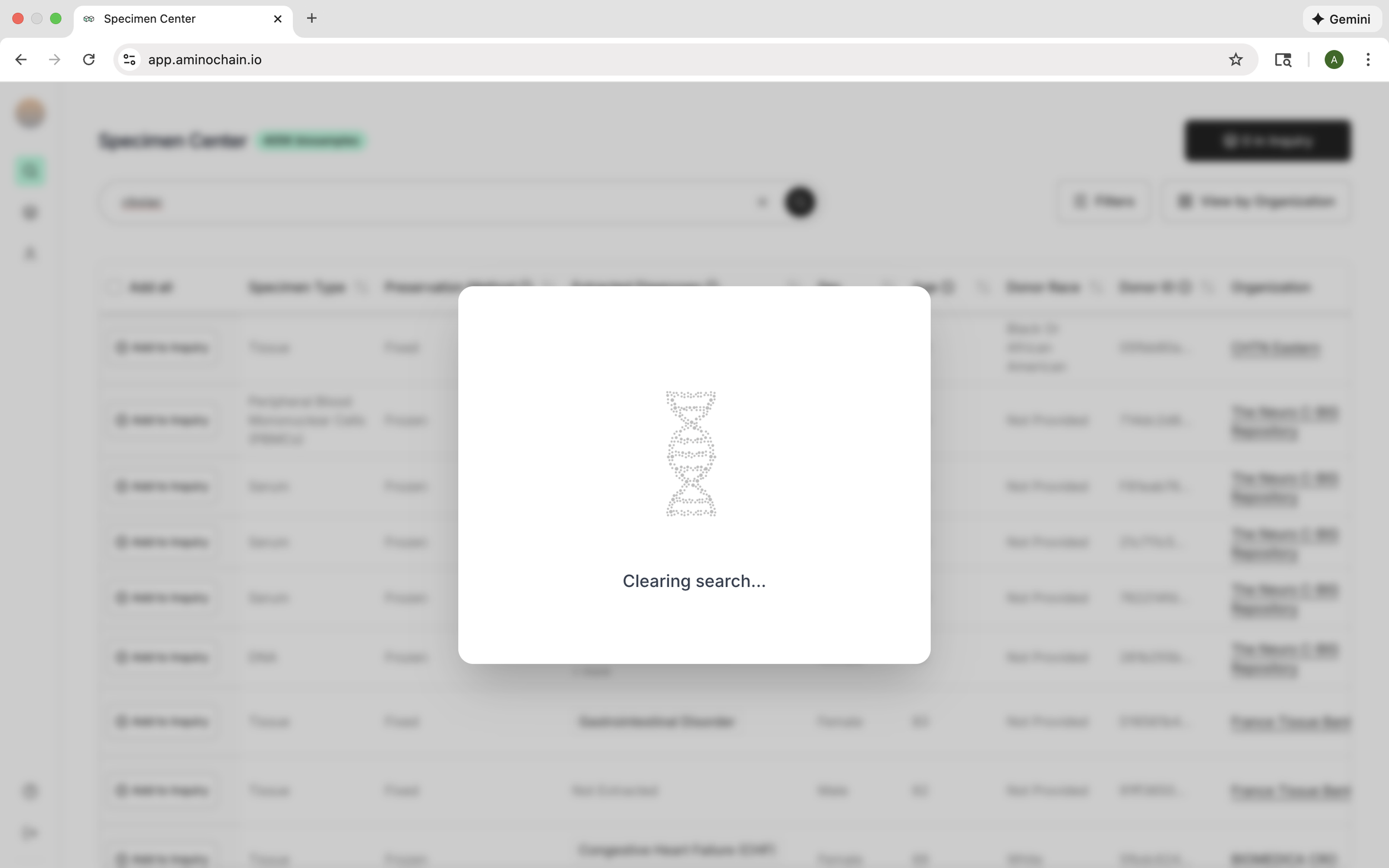
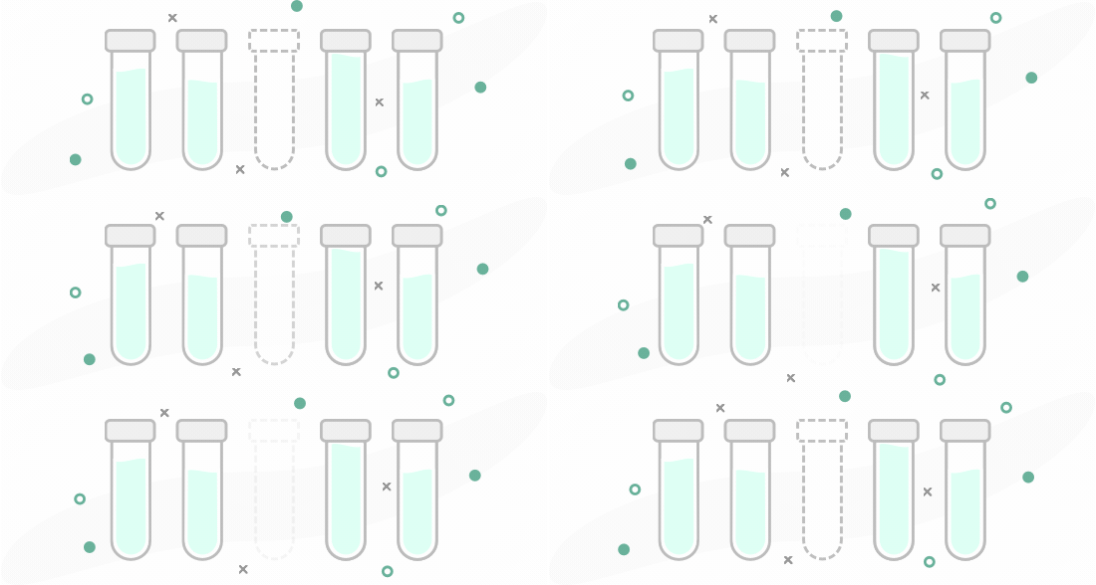
State #2 a loading state
I created a loading animation that accompanies phrases like “Clearing search” and “Updating filters” to communicate to users that their search is being processed. To see it, try searching on the SC here.
Defining use cases & unshipped empty states
Not all the empty states I designed for were used. Regardless, I created a design brief that defined all the use cases for each empty state to make discussions and pass offs with the engineering team easy.
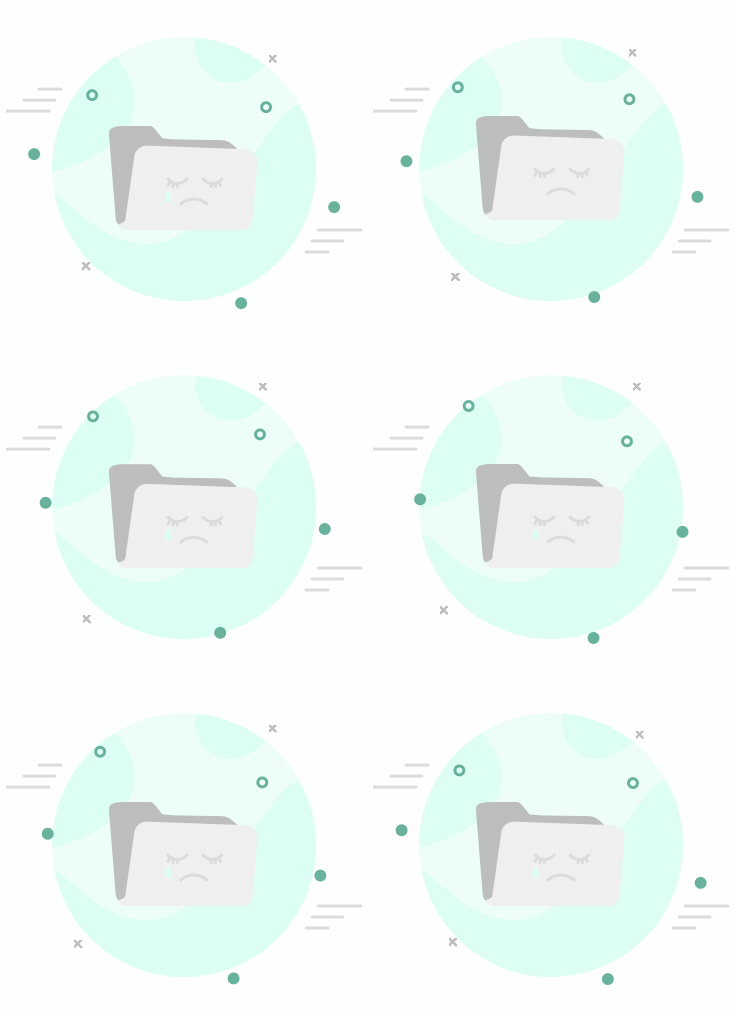
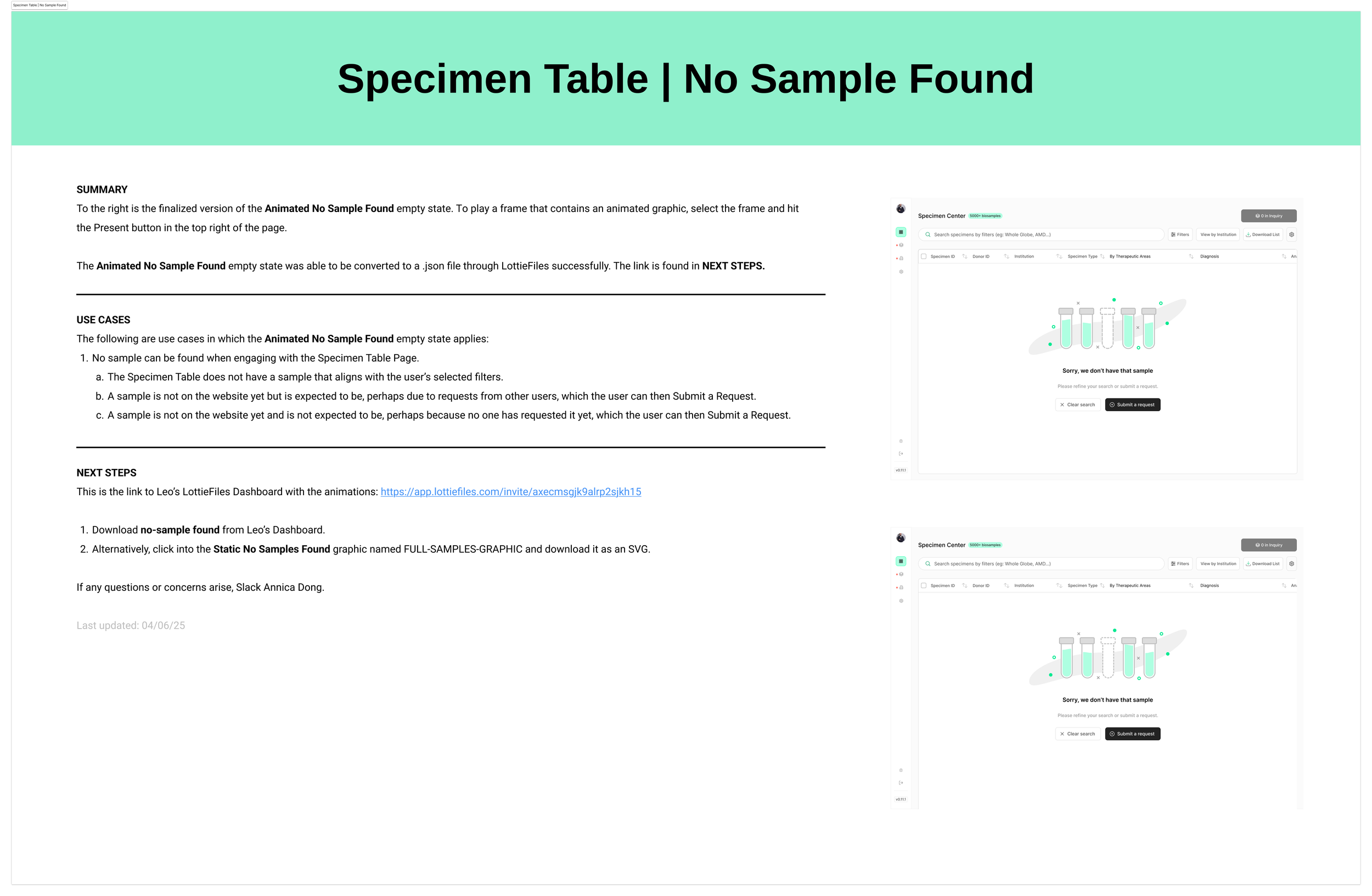
Designing and prototyping from scratch
These animations were designed and prototyped from scratch in Figma, all on one page. Once each frame was created, I uploaded them through LottieFiles and exported them as .json or dotLottie files, depending on the request of the engineers. This process took around 40 hours, minus meeting hours.